Shared calendar
One color per member, four views (infinite agenda, month, day, family), sync to Google and Apple Calendar, and your zone's school holidays as well as public holidays — overseas territories included — shown automatically every year.
🇫🇷 Household organization, finally simple
Shared calendar, lists, weekly menu, recipes, chores, points challenges, schedules and reminders: everyone knows who does what, and when. On phone and computer alike.
Free: shared calendar + grocery list (2 members) · Premium €3.99 / month for the whole household, 1-month trial · No ads 🔒
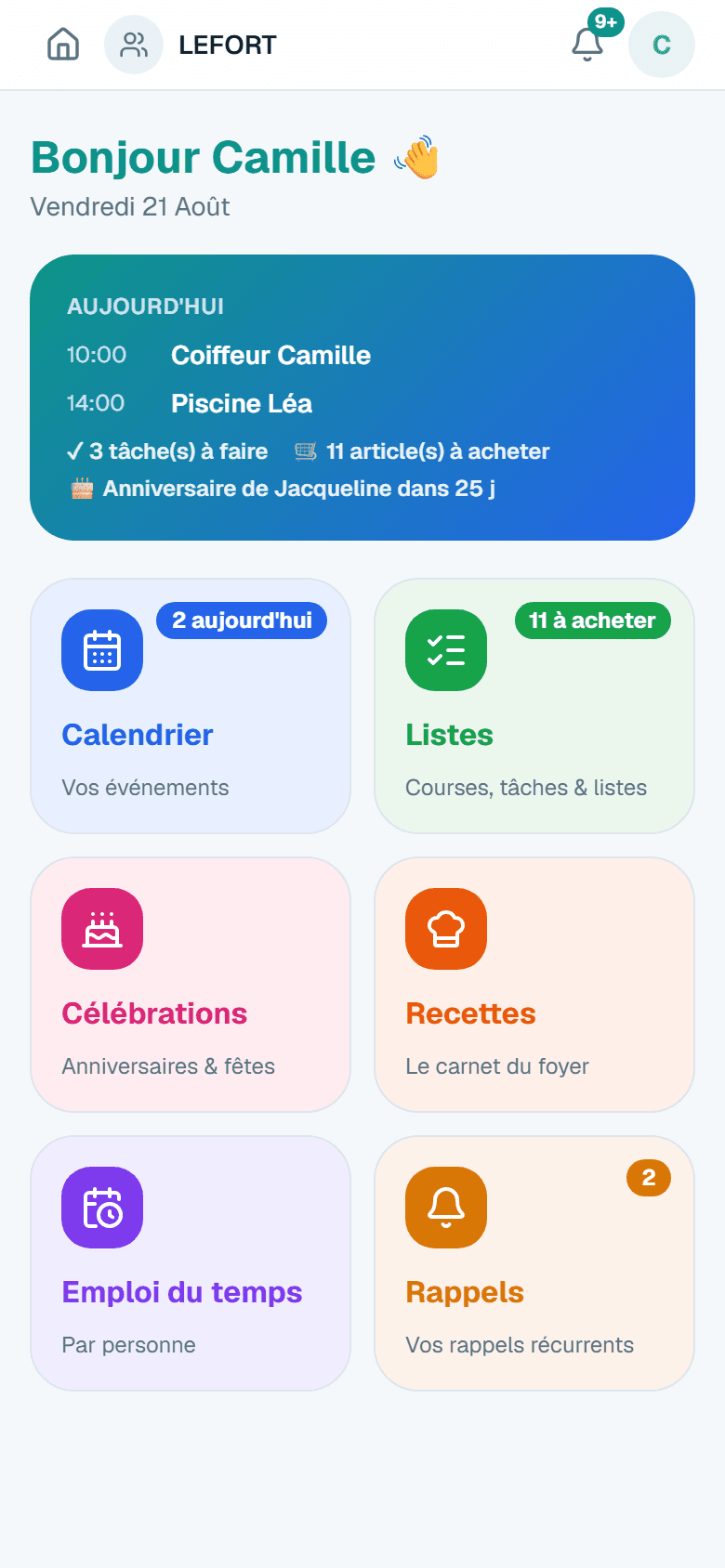
Real screenshot of the app — fictional demo data.
GDPR & EU hosting
Your family's data stays in Europe and belongs to you.
Secure account
Encrypted passwords, protected sessions, access restricted to your household.
No ads, no trackers
No advertising, no marketing cookies, no data resale.
Made for busy families: big buttons, one color per member, zero configuration.
One color per member, four views (infinite agenda, month, day, family), sync to Google and Apple Calendar, and your zone's school holidays as well as public holidays — overseas territories included — shown automatically every year.
Everyone adds, everyone checks off — in real time, sorted by aisle (guessed automatically). And the list shares in one tap via WhatsApp or SMS, even with someone who doesn't have the app.
Assignable to each member, with optional rotation and recurring reminders: bins the night before, the sports bag on the right day. When you tick one off, you always say who did it — even when ticking for someone else — and the next turn starts from the right person. The app keeps track of who did what, with no leaderboard.
To motivate the kids (and the grown-ups): points challenges — set the table, tidy the bedroom —, a leaderboard and a podium. You always say who did what, every point keeps who logged it, and you reset the scores whenever you like: the old podium stays in the history. Points can be exchanged for the rewards you choose (tonight's film, an outing…), alone or together — the child asks, a parent grants.
Your shared recipe book: search by dish or ingredient, categories and cooking times to find the right idea — and ingredients go straight to the shopping list in one tap.
The reminder you always pick becomes the one it suggests; an empty menu slot proposes the dishes you often put there. And on request, a Sunday evening email sums up the week ahead. Nothing is guessed lightly, everything stays editable.
Link your household with the grandparents' or a co-parent's: invite them to your events (everyone accepts or declines), send them your best recipes — each household keeps its own calendar and data. You can also open a shopping list to them: one single list, filled in by both.
Saved once, projected on the calendar every year with the age — and a reminder before the big day.
School, activities, alternating weeks: note the week that repeats, with a reminder before a slot if you want one.
Invite by email, or create a local profile for kids without an account — linkable later. Photos and colors for everyone.
An event is coming up, a chore is assigned to you, an item was added: you know in real time — and everyone tunes, channel by channel, what they want to receive. All mirrored in the in-app bell.
FamiSync installs on iPhone and Android like a real app — from the browser or, on Android, via Google Play — and your latest data stays readable without a connection. On iPhone, it is also available on the App Store.
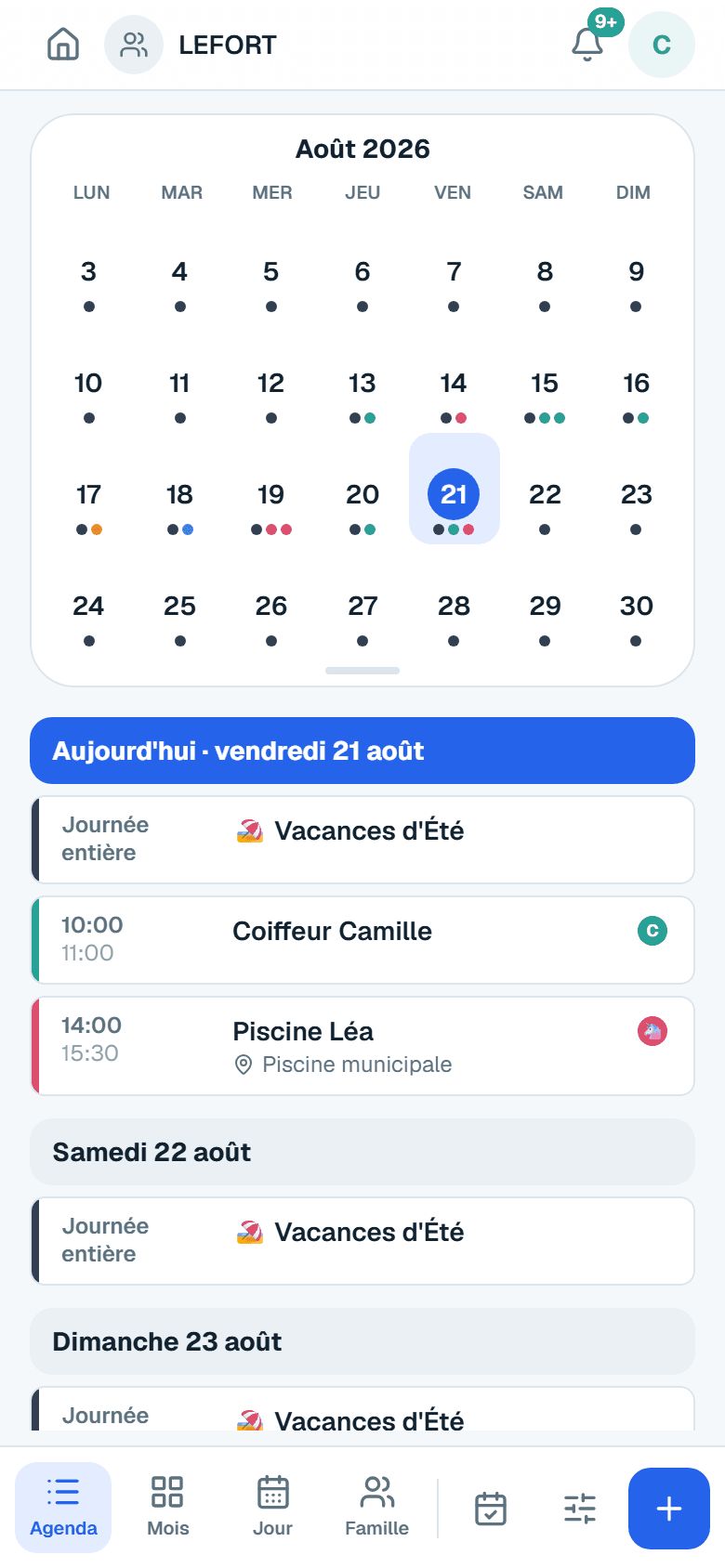
Real screenshot of the app — fictional demo data.
The whole family in sync
An addition on one phone appears instantly on all the others.
Added in 3 seconds
An event, a shopping item or a chore takes just a few taps.
Notified in real time
A reminder before each event, a notification when a task lands on you.
Automatic dark mode
The app follows your phone's setting and goes easy on your eyes at night.
30 seconds, an email address, that's it. Commitment-free — cancel anytime.
By email, or with a local profile for kids without an account. One color for each.
Events, groceries, chores: everyone knows who does what, and when.
The FREE plan offers the shared calendar and one grocery list, for 2 members. Premium costs €3.99 / month or €39.99 / year (nearly 2 months free) for the WHOLE household — unlimited members, tasks, challenges & rewards, reminders, recipes, weekly menu, schedules, Google/Apple sync, notifications, the Sunday email and connected households. A one-month free trial is included when you subscribe (card required, no charge if you cancel before the trial ends).
Yes, in a few clicks from My account → Manage my subscription (secure Stripe portal). Cancellation takes effect at the end of the period already paid — no further charge.
Nothing is deleted: you go back to the free plan — the calendar and your grocery list stay usable (2 members), and everything else remains viewable read-only. You can also delete your account at any time.
Yes. Data is hosted in the European Union, encrypted in transit, protected by a personal account, and we use no advertising trackers. You can request the deletion of your account at any time.
Yes — that's household interconnection: two FamiSync households (each Premium) link up, invite each other to events (every guest accepts or declines, nothing is forced), send each other recipes and can share a shopping list — one single list, filled in by both, opened by its owner from the list settings. Each household stays independent: calendars, lists and data are never merged, and the connection can be removed at any time.
Only what's needed: invitations, account and subscription. And, only if you turn it on in My account (Premium), « your week »: every Sunday at 8 pm, the events, chores, menu and birthdays of the week ahead — nothing is sent if the week is empty, and one click turns it off.
The whole family: parents, children, grandparents… Each member has their own color and profile, and you control who sees what. A single subscription covers the whole household, however many members.
No. You can create a local profile (first name, color, avatar) for a child without an email: they can be assigned tasks and events, and be turned into a real account later without losing anything.
Yes, read-only: each family gets a secret calendar link to add in Google Calendar, Apple Calendar or Outlook. External apps refresh this feed every few hours.
Yes: on Android, FamiSync is available on Google Play — and it also installs like an app (PWA) from the browser, where Chrome offers "Install app". On iPhone: Safari → Share button → "Add to Home Screen". On iPhone, it is also available on the App Store.
Pages you've already visited and your latest data stay readable offline. New additions need a connection — they sync as soon as the network is back.
Create your family in two minutes: calendar and grocery list are free. Premium at €3.99 / month or €39.99 / year for the whole household, with a 1-month free trial.
Try it free